

FreeScout module · MFS Print
Print the conversation, not your internal notes
A customer asks for a copy of the conversation, or an auditor needs the paper trail. FreeScout prints everything: internal notes, status changes, assignments. MFS Print lets you choose what to leave out, every time you print.
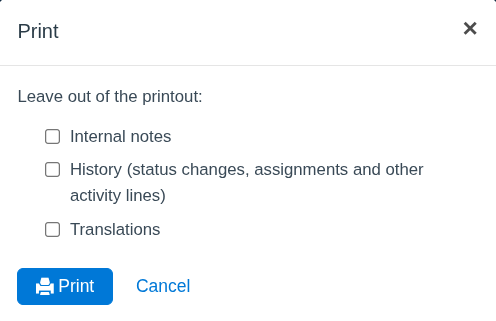
Choose what goes on paper
MFS Print adds one small window to FreeScout's own Print. Tick what to leave out, click Print, done. The printout itself does not mention what was left out, so you can hand it to your customer as it is.
Internal notes
Prices, margins and remarks about the customer stay inside your team.
History
No status changes, assignments or other activity lines on the printout.
How it works
Two clicks to a clean printout
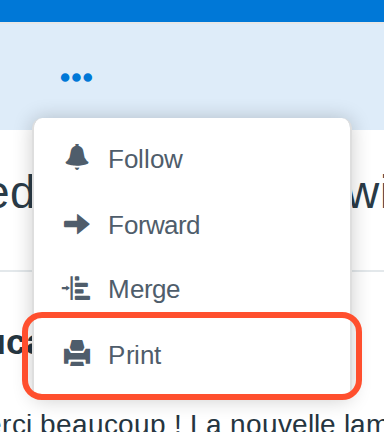
Open the conversation, choose Print in the menu as you always do. MFS Print asks what to leave out and then opens FreeScout's own print view, with those parts removed on the server.
- ✓Leave out internal notes, history or translations
- ✓Chosen per printout, by the agent who prints
- ✓Nothing in the conversation is changed or deleted
- ✓Same FreeScout print layout your team already knows
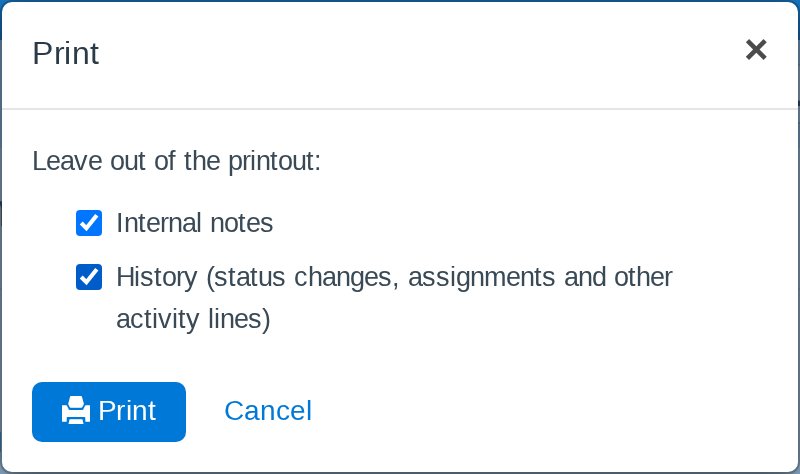
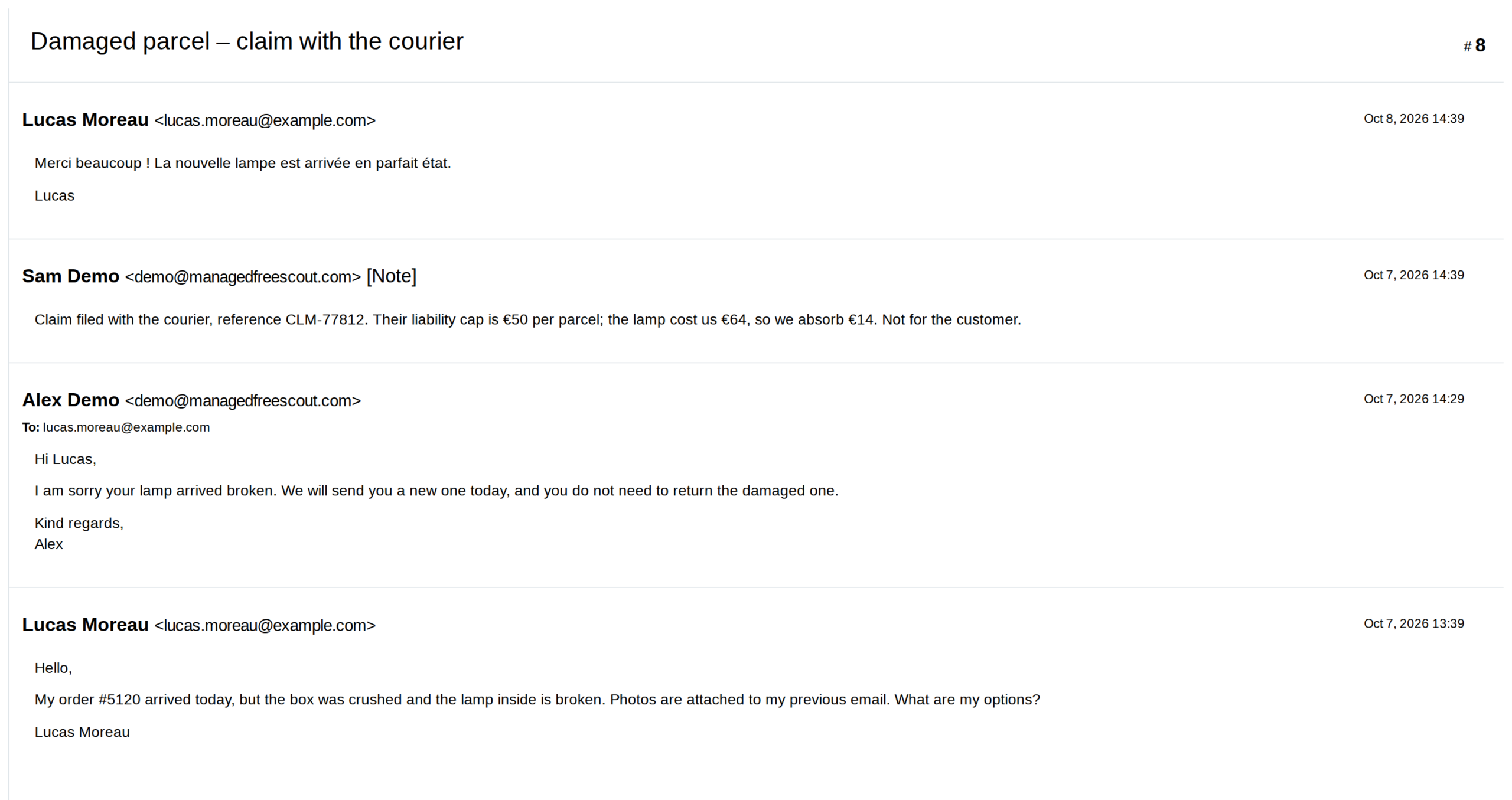
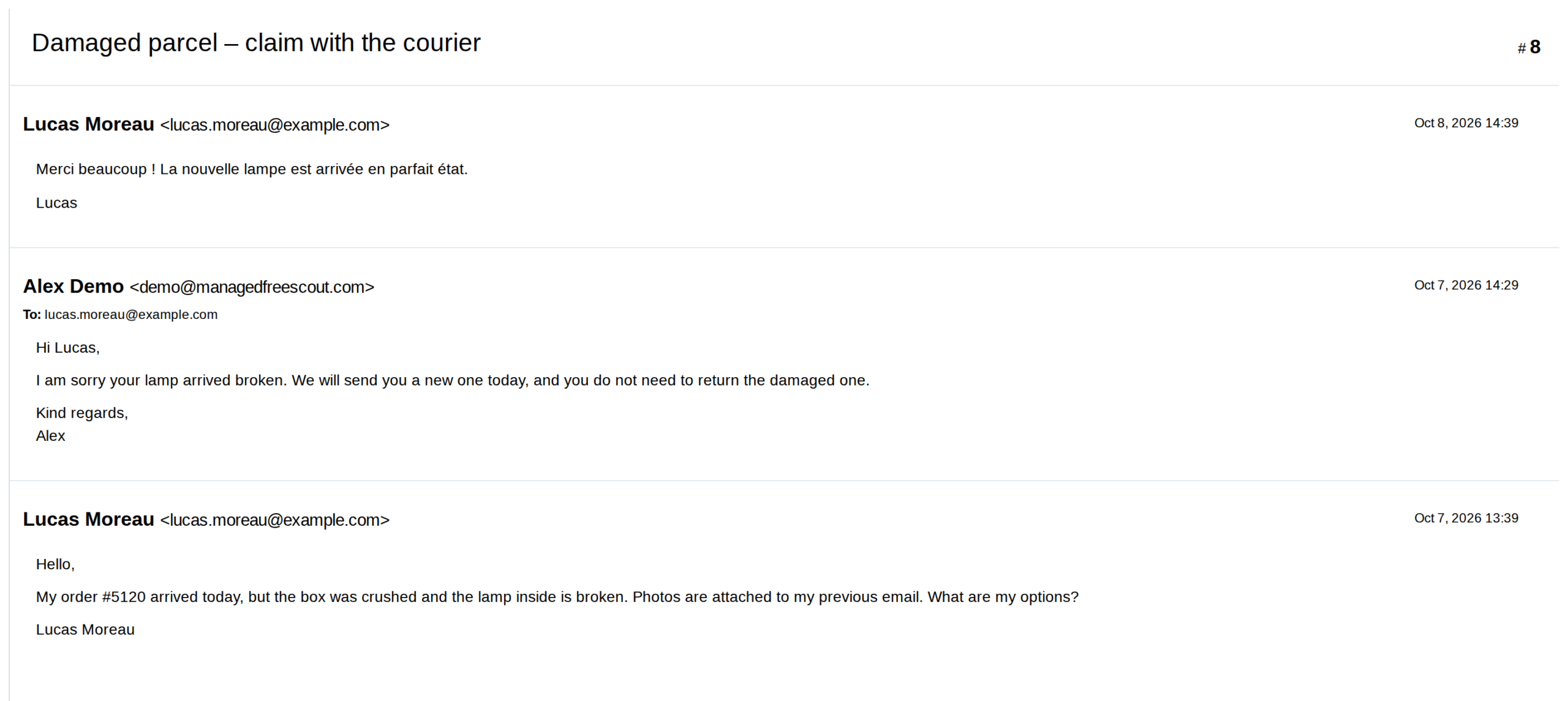
Same conversation, two printouts
Left (slide right): FreeScout's normal printout, internal note included.
Right (slide left): with MFS Print, notes and history left out.
For admins
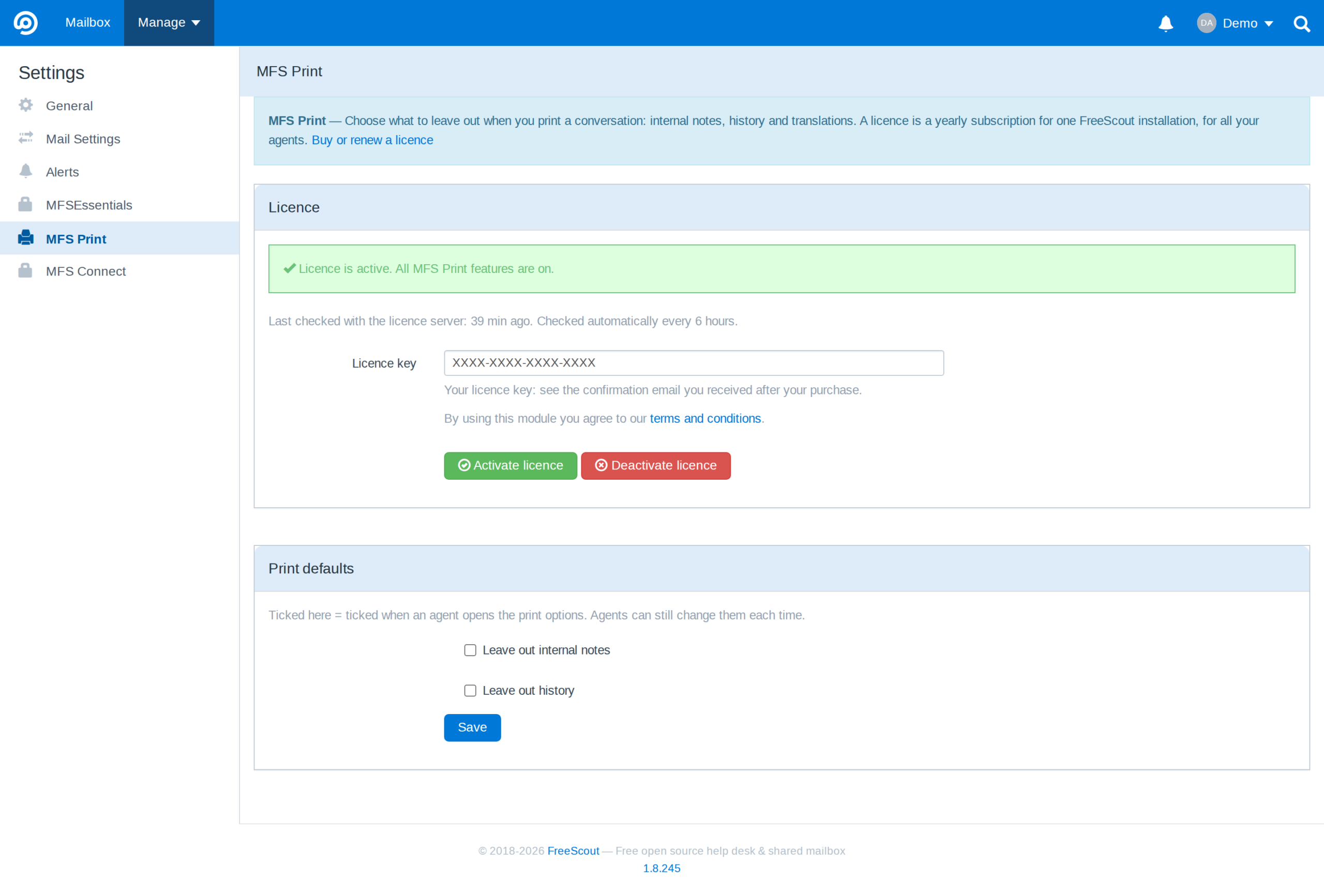
Sensible defaults for your whole team
Want internal notes left out unless an agent says otherwise? Set it once under Manage → Settings → MFS Print. Agents can still change the boxes each time they print.
- ✓Default ticks for notes, history and translations
- ✓Licence status and last check on the same page
- ✓Works on phones too
One simple price.
One yearly price per FreeScout installation. No per-agent fees.
MFS Print
€6
per year, excl. VAT
- ✓Leave out notes, history and translations
- ✓For one FreeScout installation, all your agents
- ✓Updates through FreeScout's own “Update now” button
- ✓Billed yearly, no per-agent fees
Works with FreeScout 1.8.236 or newer. Manual and downloads
Questions
Does the printout say that something was left out?
No. The printout looks like a normal FreeScout printout of the parts you chose, so you can give it to your customer as it is.
Is anything deleted from the conversation?
No. MFS Print only changes what is printed. Notes and history stay in FreeScout exactly as they were.
Do I need Ticket Translator?
Only if you want to leave translations out. Without it, MFS Print offers internal notes and history.
Where is my data stored?
MFS Print runs inside your own FreeScout installation. Your conversations stay on your server.
How do I install and update it?
Extract it into FreeScout's Modules folder and activate it under Manage → Modules. New versions show up in FreeScout with an “Update now” button.
Hand over the conversation, keep your notes
Clean printouts for customers and auditors, for €6 a year.